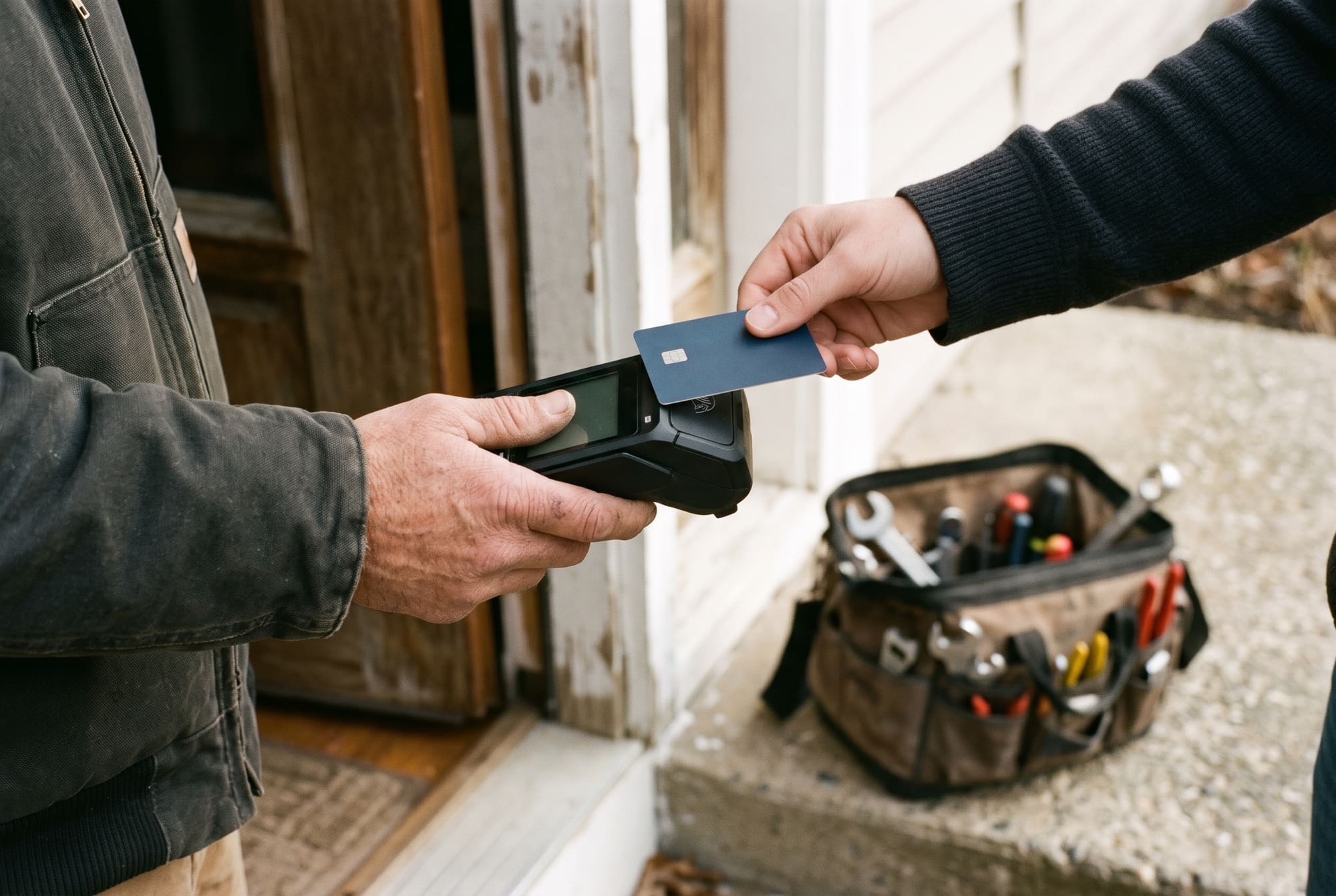
This Housecall Pro review is for the business owner running a home service crew (cleaning, pressure washing, handyman or lawn work), not an HVAC shop. Short answer: this field service management software is worth it for 2 to 5 person crews selling one-off work to customers. The crew app is well rated; support, billing and cancellation are the weak spots.
This verdict is based on research, not a hands-on test. We read the platform's pricing page, Terms of Service and help center, and 3,664 public reviews on Software Advice, G2 and Trustpilot, plus the App Store, Google Play and BBB.
Our verdict on Housecall Pro
- TighterCrew research score
- 6.5/10
- Best for
- 2 to 5 person crews doing mostly one-off jobs: pressure washing, handyman, move-out and deep cleans
- Not for
- Solo owners on tight budgets, recurring-route crews that need route optimization without paying for Max, and Canadian crews who take payments in person
- Starting price
- $59/mo billed annually, $79 month to month (Basic, 1 user), as of November 2026. See Housecall Pro pricing
- Free trial
- 14 days, Max features, no credit card
Is Housecall Pro worth it? For a small crew selling one-off jobs, yes, mostly: users rate it 4.7 on Software Advice from 2,748 reviews. The score drops on what surrounds the product: online card fees above the advertised rate, route optimization on the $299 Max plan, no offline editing, a cancellation that needs a phone call, and 81 BBB complaints in three years.
How we researched Housecall Pro
Our general approach is on the how we review software page. For this Housecall Pro review, all checked November 9, 2026:
- Official sources: the pricing page, the Terms of Service (July 2026) and about 20 help-center articles.
- Review platforms: Software Advice (2,748 reviews), G2 (211), Trustpilot (705), BBB (78 reviews, 81 complaints), the App Store (about 32,000 ratings) and Google Play (6,980).
- Limits: no public source times a quote, measures support response or reports a setup time, so we give none.
How we score. The TighterCrew research score is out of 10, same formula for every tool: 40% public user ratings (Capterra/Software Advice as one shared pool, G2, Trustpilot, App Store, Google Play, each platform counting equally), 30% features for the trade against price (a 10-point checklist at the 5-user tier), 20% pricing transparency and contract terms, 10% Canada fit.
Scroll sideways to see all 4 columns
| Score input | Weight | Housecall Pro | Jobber, for reference |
|---|---|---|---|
| Public user ratings | 40% | 8.4 | 9.0 |
| Features for the trade vs price | 30% | 6.5 | 8.0 |
| Pricing transparency and contract terms | 20% | 5.0 | 9.0 |
| Canada fit | 10% | 2.0 | 5.0 |
| TighterCrew research score | 6.5 | 8.3 |
App store and Software Advice ratings are strong, but Trustpilot (2.9) counts as much as each of them and pulls the average down. The rest of the gap is plan gating, terms and Canada.
What is Housecall Pro and who is it for?
Housecall Pro is a field service management platform for home service professionals. It's the app you use to book work, send the crew out, quote, invoice, get paid and ask customers for reviews.
It was designed with the technical trades in mind (HVAC, plumbing, electrical), which shows in jobs set up around a technician's service call and in Max features like maintenance agreements. For our trades, that works well for one-off work: a pressure washing quote, a handyman repair, a move-out clean. Recurring work is a different case, because route optimization sits on the top plan.
It has three plans (Basic, Essentials and Max) plus add-ons, billed in USD, including in Canada (as of November 2026).
Housecall Pro scores by feature
These are the feature checks behind the 6.5/10 features score, at the 5-user Essentials tier ($149/mo billed annually, as of November 2026). One point per item, half a point when partial or on a higher plan.
Scroll sideways to see all 3 columns
| Feature check | Housecall Pro Essentials | Points |
|---|---|---|
| Estimates with online customer approval | Yes | 1 |
| Multi-option estimates | Yes, plan not stated | 0.5 |
| Recurring jobs | Yes, no plan restriction stated | 1 |
| Route optimization | "Routes" grouping only; optimization is Max only | 0.5 |
| Automatic invoice reminders | Yes, plan not stated | 1 |
| QuickBooks Online sync | Yes, one-way | 0.5 |
| Crew app works offline | No offline editing | 0 |
| Online payments and Tap to Pay | Yes | 1 |
| Reporting | Business Insights; tier not stated, mostly negative reviews | 0.5 |
| Onboarding help | Free basic data transfer; full onboarding Max only | 0.5 |
| Total | 6.5/10 |
Scheduling and dispatching
A calendar where you book jobs, assign them and move them when the weather changes; the crew app shows day, week and month views.
The plan matters. Essentials lists "Routes," which groups and sequences jobs. Route optimization is different, and the help center is blunt: "This feature is only available to Pros on the MAX plan" (optimize by drive time, August 2026). It reorders one tech's day by drive time and live traffic.
G2 lists "Ease of Use" as the top pro (25 reviews); a Software Advice reviewer (August 2026) found scheduling inflexible.
Estimates, invoices and payments
Multi-option estimates let the customer approve one option or several and sign online (multi-option approvals). Max adds the Sales Proposal Tool for good, better, best layouts.
The pricing page headline is "as low as 2.59%." The payment processing help article (July 2026) gives the full schedule:
Scroll sideways to see all 2 columns
| Payment type | Fee (as of November 2026) |
|---|---|
| Card swiped, tapped or chipped in person | 2.59% |
| Card paid online by the customer from an invoice | 2.99% |
| Card keyed by staff, scanned or on file | 3.49% |
| Amex and commercial or business cards | 3.49% |
| Tap to Pay device fee | $5 per active device per month |
| ACH bank payment | 1% (may vary by plan) |
| Mobile check deposit | Free |
So 2.59% only applies to cards in person; an invoice the customer pays online costs 2.99%, and a card on file 3.49%. Standard payouts take 2 business days; Instapay costs an extra 1%.
Automatic invoice reminders don't work with batch invoices or auto-invoicing (invoice reminders), a real gap for crews that batch weekly. Reviewers on the App Store and Software Advice also describe payments held after a customer paid.
Mobile app for the crew
The app covers the schedule, notes, photos and video, on-my-way texts, estimates, invoices, Tap to Pay, check deposit and clock in and out. Ratings are strong: 4.7 from about 32,000 App Store ratings and 4.5 on Google Play.
The weak point is offline use. The mobile FAQ (January 2026) says editing without cell service or WiFi "is not supported at this time"; you can only access jobs you already opened. Google Play reviewers (May 2026) report failed photo uploads and features missing compared with the web.
Marketing and review automation
Review management is listed on Basic, so every plan can ask customers for a review after a job. Campaigns, Websites and CSR AI are add-on tools without published prices (as of November 2026), so ask for them in writing.
Where do the reviews go? Per Housecall Pro's reviews help article (July 2026), once you connect Google and Facebook, customers with a Gmail address are sent to your Google Business Profile, and the rest are split between your Facebook page and reviews collected for your website. With Premium Reviews you can change the split between Website, Facebook and Google.
Reporting and QuickBooks sync
Reporting includes Business Insights (revenue goals, peer benchmarks) and a KPI dashboard (Business Insights); the pricing page doesn't say which plan gets which reports. Software Advice users in 2025 and 2026 call it limited and hard to customize.
QuickBooks Online sync is on Essentials and up. The help article on syncing information to QuickBooks (September 2026) says it "typically functions one-way," to QuickBooks. Estimates don't sync, edits need a re-sync, and deleted invoice records must be removed by hand.
Housecall Pro for lawn care, cleaning and other home services
Recurring jobs and routes
Weekly mowing and biweekly cleaning depend on work that repeats on its own and a route that doesn't zigzag across town.
The good news: recurring jobs (daily, weekly, monthly, yearly, custom) carry no stated plan restriction (create a recurring job, August 2026). "Recurring Service Plans" on Max are something else: maintenance agreements for HVAC-style contracts.
The catch is routing: drive-time optimization is Max only, at $299 a month billed annually (as of November 2026). We found nothing on bulk-moving a rain day or pausing clients for winter.
Trade by trade:
- Lawn care: the weekly route is the business. If you need optimized routes, budget for Max, or compare with Jobber first.
- Residential cleaning: recurring jobs work below Max. Watch the invoice reminders, which don't work with batch invoicing.
- Pressure washing: mostly one-off quotes. Essentials fits a small crew, and the Sales Proposal Tool on Max helps if you sell packages.
- Handyman: one-off calls and lots of estimates. Essentials covers up to 5 people well.
- Snow removal: per-push and seasonal contracts run on a storm, not a calendar, and we found no documented per-push billing or storm scheduling.
The trial runs on Max: note which features your crew used before picking a plan.
Crew size limits by plan
Scroll sideways to see all 3 columns
| Plan | Users included | Extra users (as of November 2026) |
|---|---|---|
| Basic | 1 | Not available |
| Essentials | 5 | Not available |
| Max | 8 | $35/mo each |
The jump that hurts is from 5 to 6 people: Housecall Pro's billing help article lists "Additional logins (available only for MAX plans)", so a sixth person means Max at $299 billed annually, double the $149 (as of November 2026).
For more options built around cleaning work, see our guide to the best cleaning business software.
Customer support, billing and cancellation: what we found
Support channels and hours
No one publishes measured support response times. Here is the official information from Housecall Pro (support help article, July 2026), with hours in Pacific time:
Scroll sideways to see all 2 columns
| Channel | Hours |
|---|---|
| AI assistant (in-app chat) | 24/7 |
| Live chat | Mon to Fri 5 AM to 5 PM, Sat and Sun 8 AM to 4 PM |
| Phone, 1-877-944-9010 | Mon to Fri 5 AM to 5 PM, Sat 8 AM to 4 PM, no Sunday |
Weekend chat helps Saturday crews. Reports are split: support scores 4.7 on Software Advice, but several 2026 comments there describe chatbot-first support, long waits and no way to escalate.
Common complaints vs the record
Public ratings are split. As of November 9, 2026: 4.7 out of 5 on Software Advice (2,748 reviews), 4.3 on G2 (211), and a 2.9 TrustScore on Trustpilot (705). On the BBB, Housecall Pro holds an A+ letter rating (not accredited), but its customer reviews average 1.51 out of 5 from 78 reviews, and it logged 81 complaints in 3 years (22 in the last 12 months).
Review sites gather active users; complaint sites gather customers with issues. Each theme against the documentation:
- Cancellation and billing: the strongest pattern. Per the billing help article, you start with a chat, and cancellation isn't processed until a team member has spoken with the account owner. Page one of BBB complaints includes three customers charged $189 a month after asking to cancel (2026). The company answers BBB complaints with retention offers, after which billing resumes unless you cancel again.
- Terms: subscriptions auto-renew without prorated refunds, and the Terms allow price changes at any time on notice.
- Support: uneven, with AI-first chat a recurring complaint.
- Updates: frequent layout changes are two of the three cons Software Advice highlights.
- Rising costs: add-on prices aren't published, and a sixth user doubles the subscription.
Housecall Pro pricing in short
Basic is $59 a month billed annually or $79 month to month (1 user), Essentials $149 or $189 (5 users), and Max $299 or $329 (8 users, $35 per extra user). The 14-day trial has Max features and needs no card. Cards cost 2.59% in person, 2.99% online and 3.49% keyed or Amex; ACH is 1%. Canadians are billed in USD. All as of November 2026. For the cost at your crew size, see our full Housecall Pro pricing breakdown.
Housecall Pro pros and cons
What we like
- Rated 4.7 on Software Advice (2,748 reviews) and on the App Store.
- 14-day trial on Max features, no credit card.
- Essentials: 5 users for $149 a month billed annually, same as Jobber Connect (as of November 2026).
- 2.59% in person, 1% ACH, free check deposit.
- Recurring jobs and multi-option estimates without a Max restriction.
- Weekend live chat.
What could be better
- Online invoice payments cost 2.99%, keyed or on-file cards 3.49%.
- Route optimization is Max only; a sixth user doubles the bill.
- No offline editing in the crew app.
- One-way QuickBooks sync; reminders don't work with batch invoicing.
- Cancelling needs a call with the account owner; 81 BBB complaints in 3 years.
- In Canada: USD billing, no card reader, no ACH.
Who should not use Housecall Pro
Solo owners on a tight budget. Basic is $59 a month billed annually for one user (as of November 2026). Jobber Core costs $29, and QuoteIQ starts at $29.99 month to month. Read our QuoteIQ review.
Lawn crews that want optimized routes without paying for Max. If your business is the same 40 lawns every week, the routing you need sits on the $299 plan. Jobber is our pick for lawn care; read our Jobber review.
Canadian businesses. Housecall Pro bills in USD, its card reader "is not yet available to our Canadian Pros," and ACH is US only (card reader help). Compare the best Housecall Pro alternatives.
Large shops that need advanced reporting. With 15+ technicians and multiple locations, see Housecall Pro vs ServiceTitan.
Housecall Pro vs Jobber and other alternatives
Scroll sideways to see all 4 columns
| Tool | TighterCrew research score | Starting price (as of November 2026) | Strong point |
|---|---|---|---|
| Housecall Pro | 6.5/10 | $59/mo billed annually | 5 users on Essentials, weekend chat |
| Jobber | 8.3/10 | $29/mo billed annually (Core) | Lawn care and recurring crews |
| ServiceTitan | Not scored yet | Quote-based, per technician | Large, multi-location shops |
| QuoteIQ | Not scored yet | $29.99/mo month to month (1 user) | Budget pick; job assignment from Pro ($199.99/mo) |
| Yardbook | Not scored yet | Free, ad-supported | Solo lawn care on zero budget |
Housecall Pro vs Jobber
Jobber is cheaper for a solo owner ($29 vs $59 a month billed annually), its crew app works partly offline, its cancellation is self-serve, and it had 6 BBB complaints in 3 years against 81. At 5 users both cost $149 a month billed annually. Jobber's flat 2.9% + 30¢ card fee makes Housecall Pro cheaper in person and close online. Jobber's limits: Marketing Suite at $99 a month, $29 per extra user, thin reporting. Full breakdown in Jobber vs Housecall Pro.
Housecall Pro vs ServiceTitan
ServiceTitan is built for much bigger operations: priced per technician, all plans quote-based, demo only (as of November 2026). For a crew under 15 people, it's usually more than you need. See Housecall Pro vs ServiceTitan.
Cheaper alternatives
QuoteIQ starts at $29.99 a month, or $25 billed annually, for 1 user (as of November 2026). Crew features cost more: satellite measuring starts on Beginner ($99.99), job assignment and QuickBooks Online on Pro ($199.99) and route optimization on Elite ($299.99), per its pricing page; see our QuoteIQ review. Yardbook is free and ad-funded, aimed at lawn care. Full list: best Housecall Pro alternatives.